Calendar
Working hours, holidays and closures: proposed dates fall on the right days.
Projects, tasks and documents in one place, with an assistant that answers and acts. Automate the repetitive work and ask the assistant to do things for you. If you write software, you can use Kibo from your editor too.

Projects, tasks, deadlines and approvals live in one record. You see them as a list, a board, a timeline or a calendar: a change made in one view shows up in the others at once.
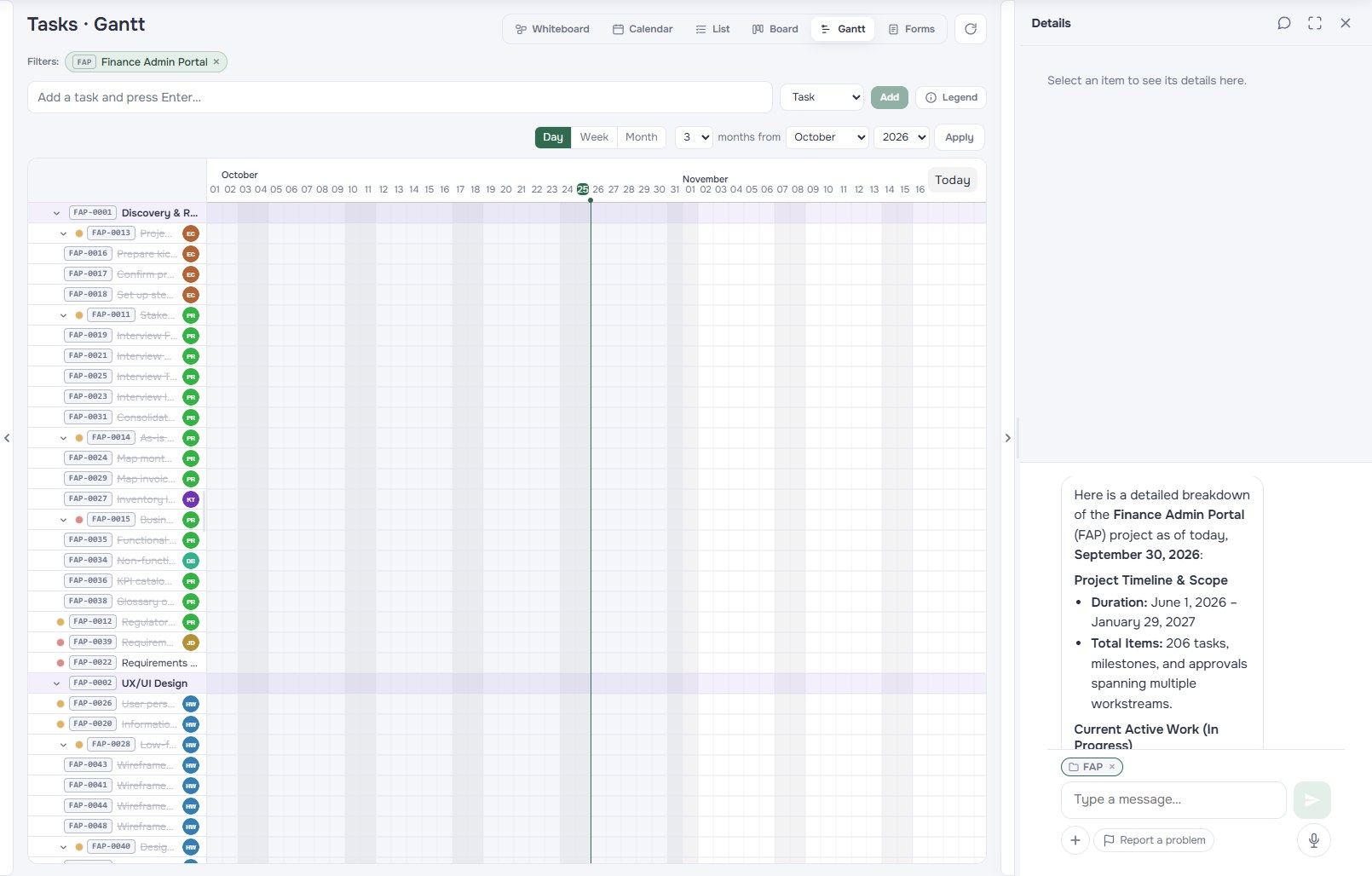 Board and timeline views
Ask it to move a deadline, reassign a task or set up a project from a document: the assistant does it right away. Before deleting anything it asks you to confirm.
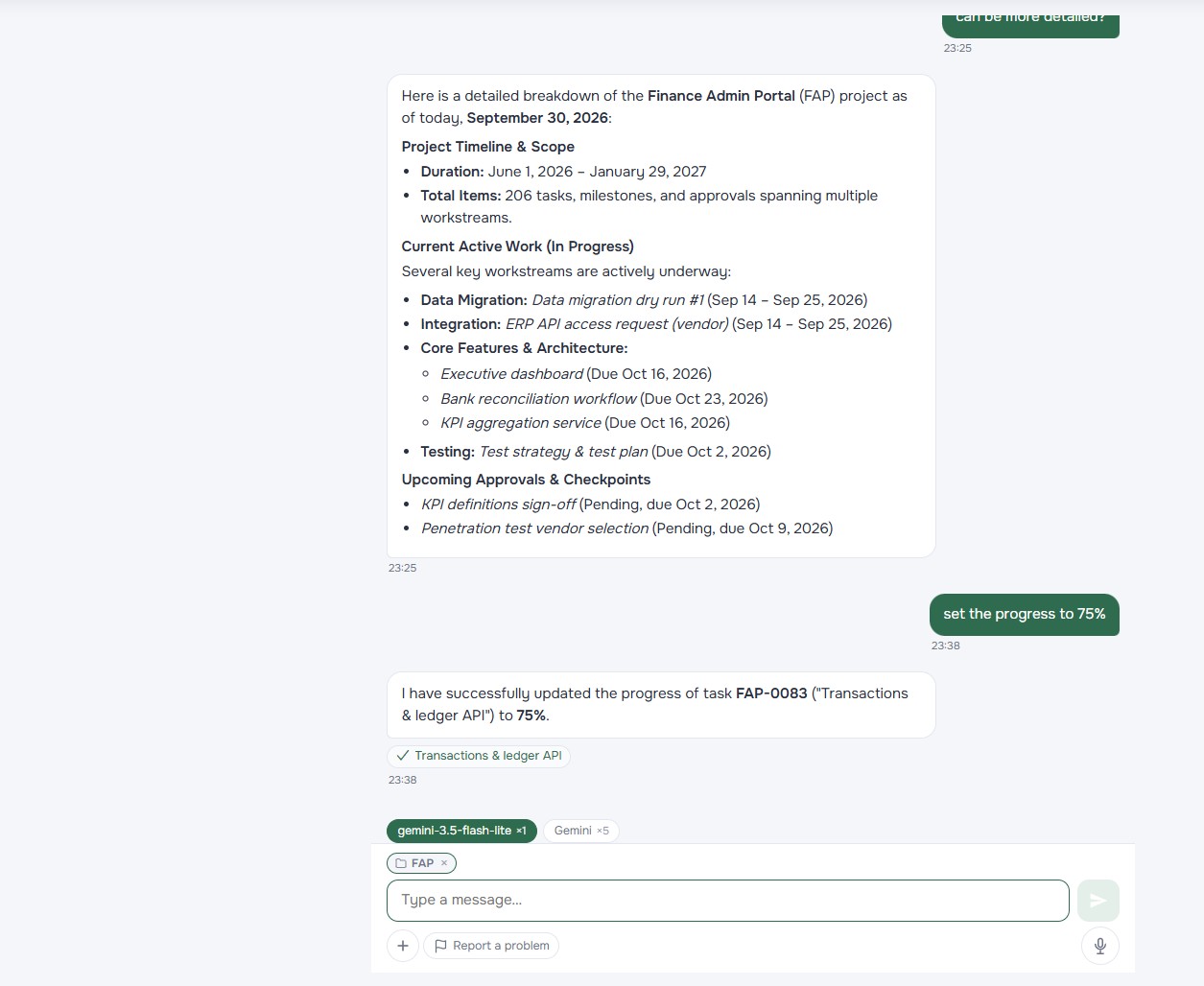 Requests to the assistant
Upload contracts, offers, minutes and specifications. When you ask something, Kibo answers with what is written there and points you to the document and the passage.
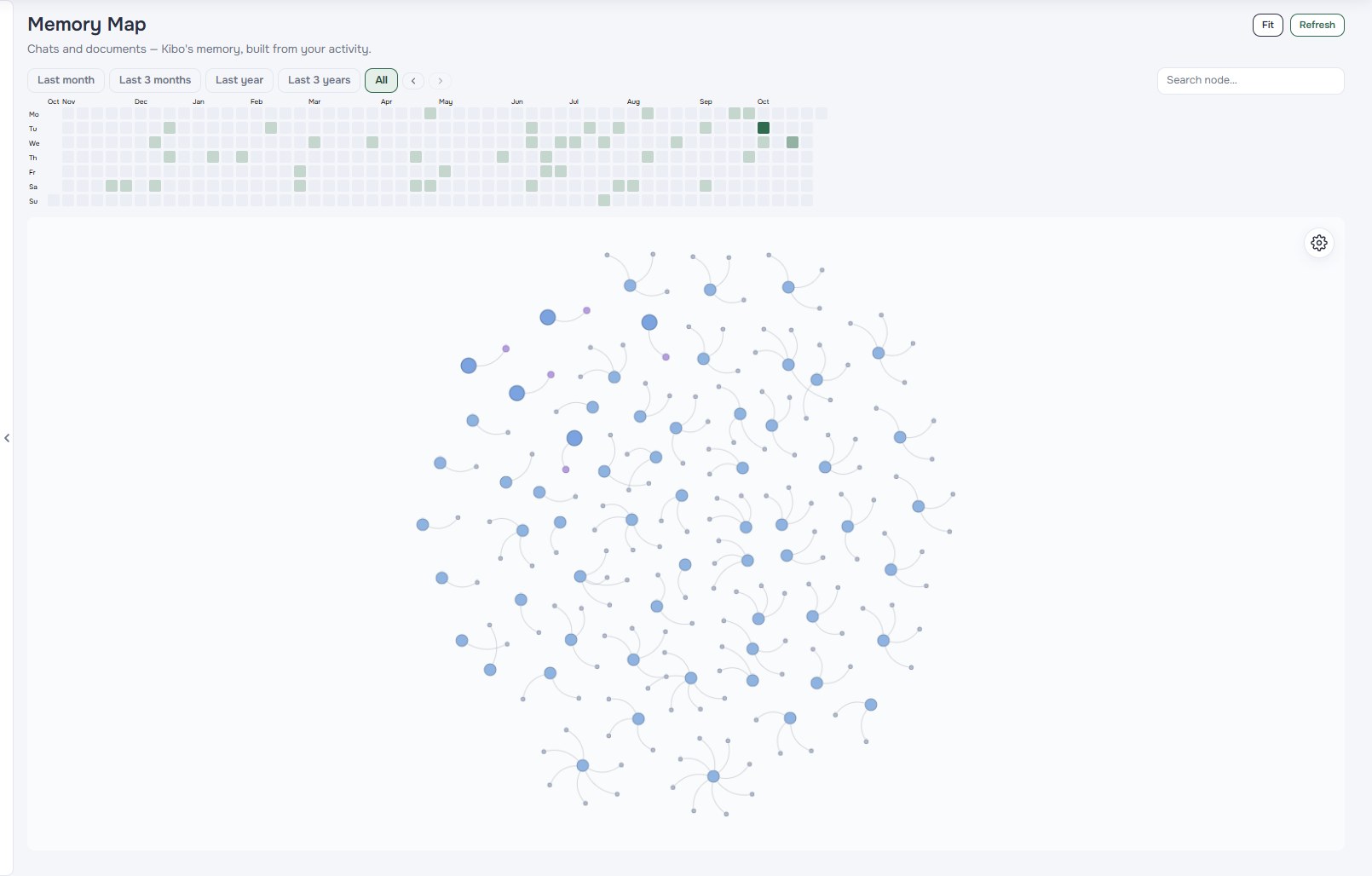 Map of documents and topics
If you work with Claude, ChatGPT, Cursor or VS Code, you can connect them to Kibo through AI (the MCP standard) and manage tasks and projects without switching windows.
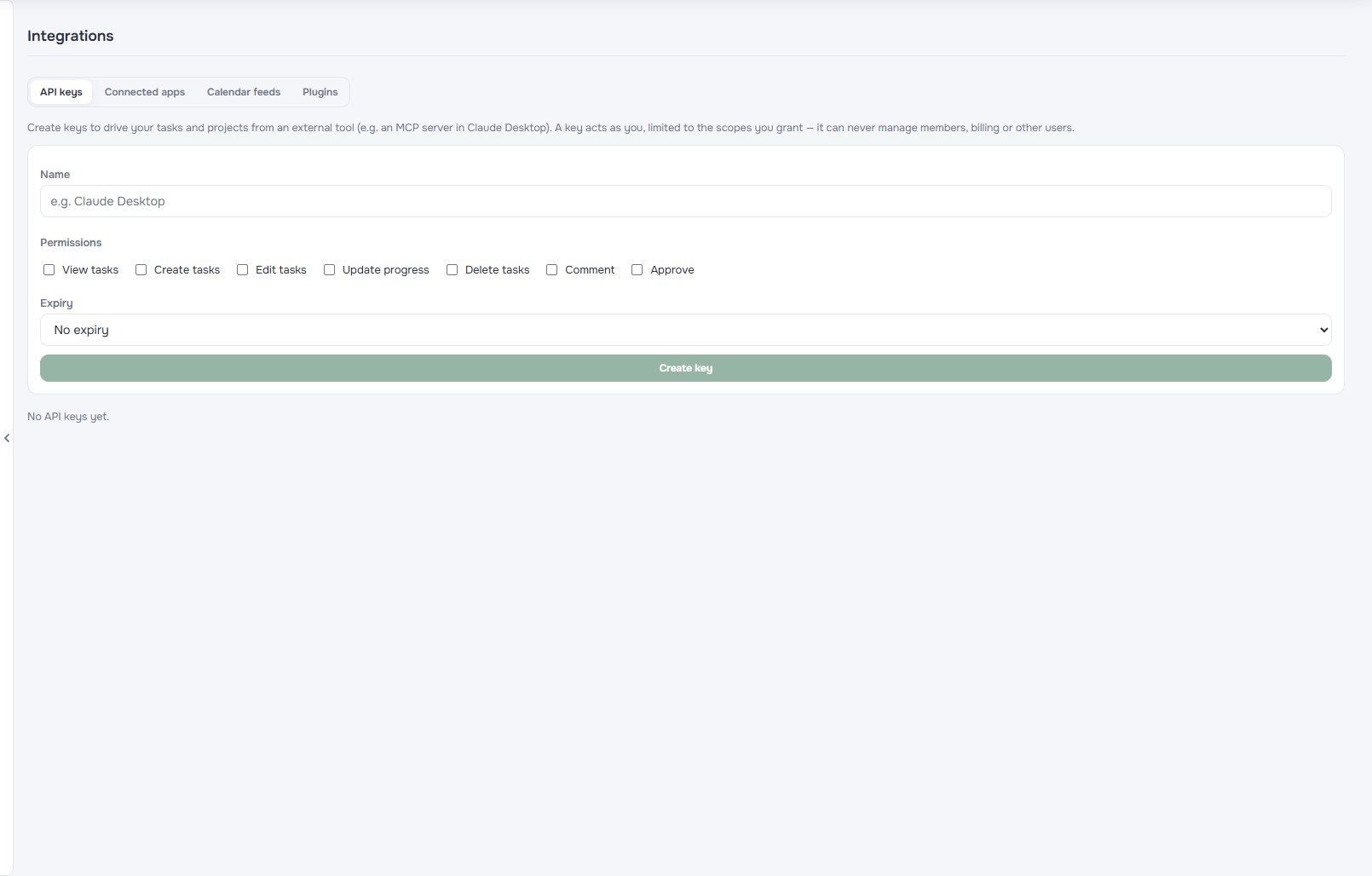 Connection to external tools
No more files scattered across emails and folders. Every document lives in Kibo, next to the project it belongs to. Nobody outside your organization can see it.
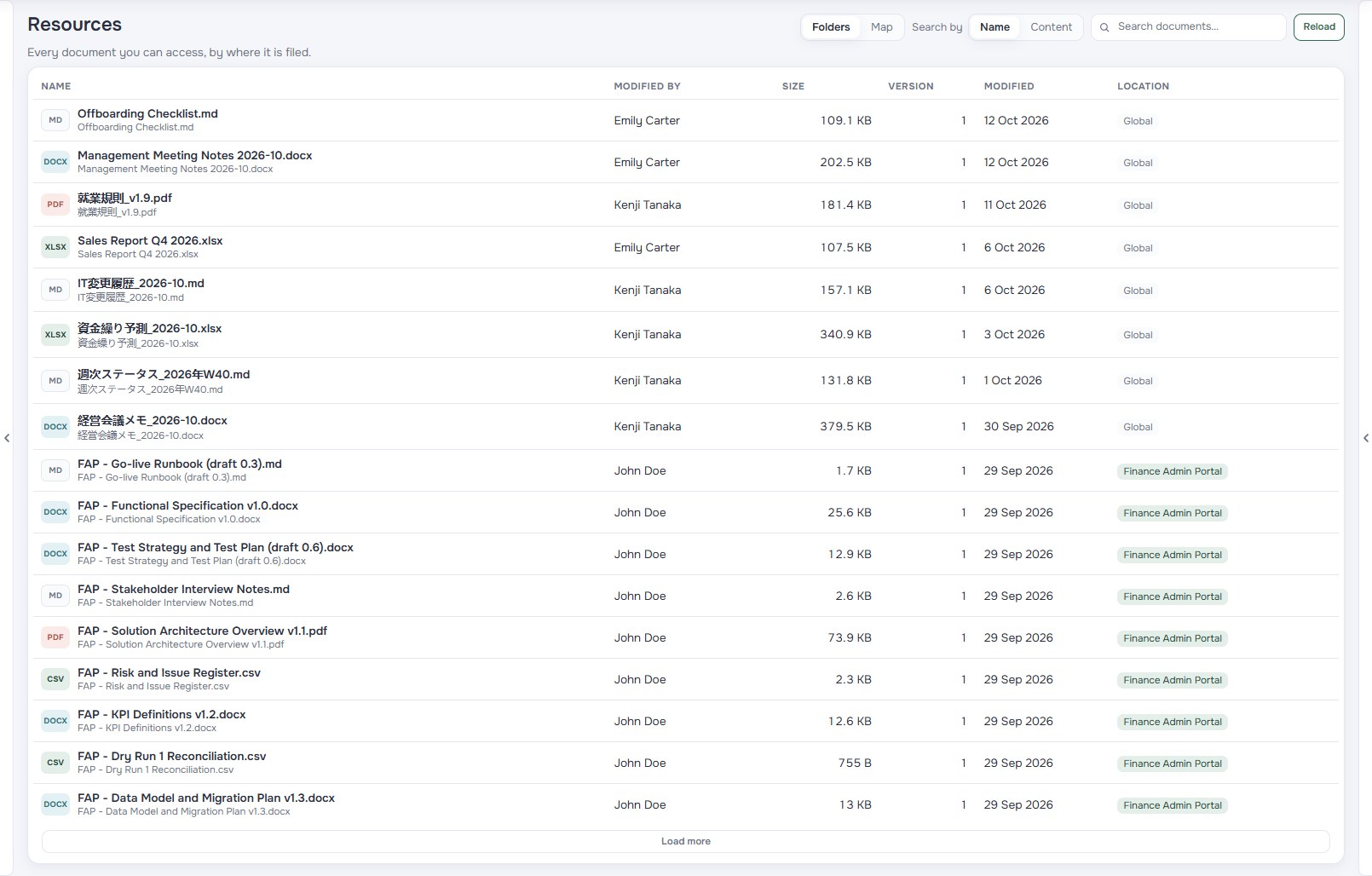 Files and permissions
A summary every morning, a reminder before a deadline, a new project every two weeks: you set up an automatic routine (a job) once and Kibo repeats it. Automatic actions (triggers) react to what happens: a completed task changes status, a late one alerts whoever follows it.
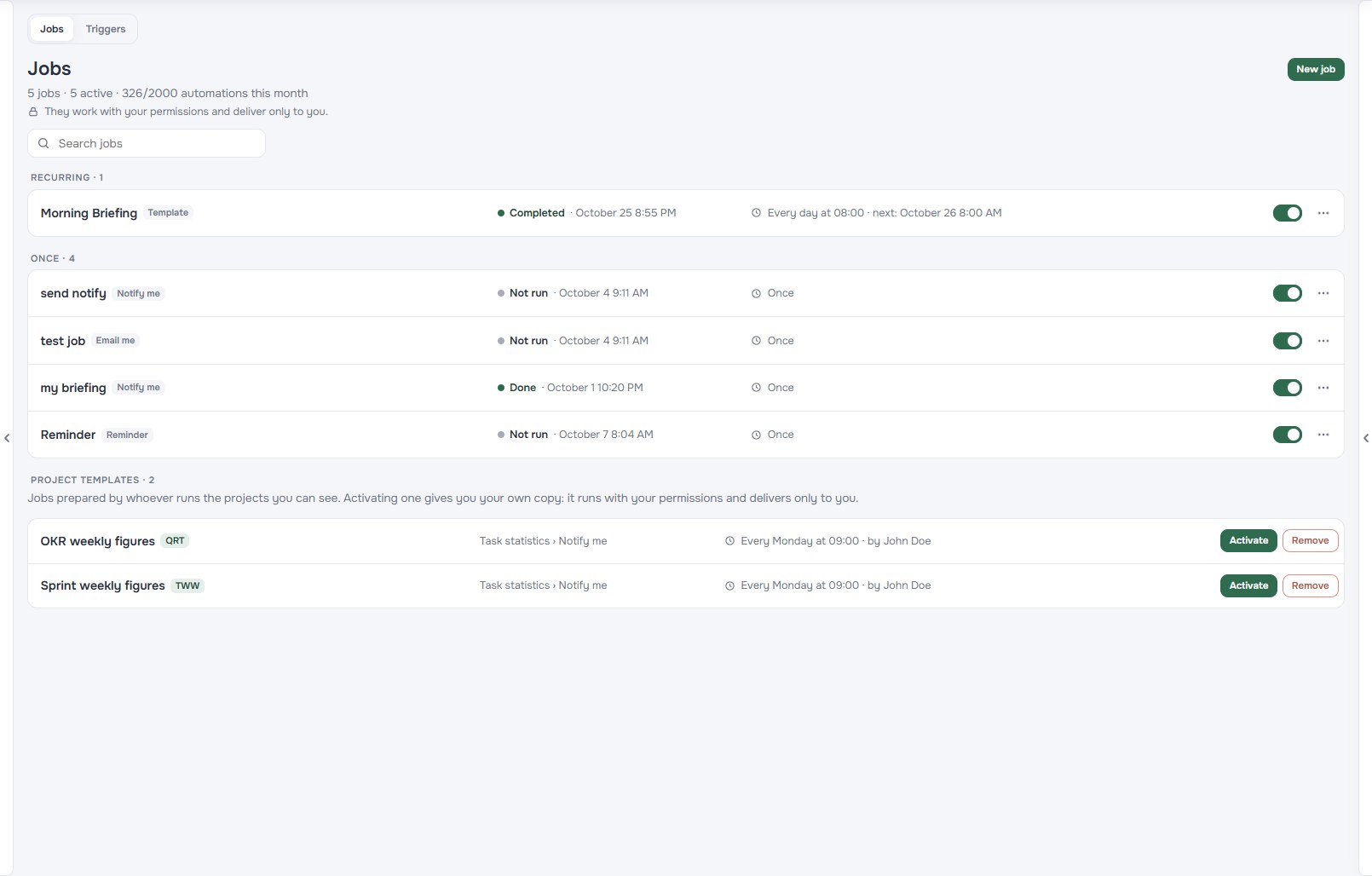 Routines and automatic actions
Working hours, holidays and closures: proposed dates fall on the right days.
Ask your documents and get answers with the source.
Roles per organization and project, permissions down to the single document.
Storage included in the plan, growing with your seats and extendable with packs.
Phases, tasks, forms and automations ready to use: pick a template from the gallery, set the period and Kibo places every date. Then shape it as you like.
Yes. Kibo offers all core features—projects, tasks, views, storage, and AI—for individual users. Collaboration features (assignments, approvals, roles) activate effortlessly as your team grows.
Kibo is built for speed and simplicity. Many tools on the market force users to spend hours micro-managing dozens of statuses, fields, and complex configurations for every single task. Kibo removes this administrative burden: it gives you the flexibility you need, deep document indexing, and native MCP integration to operate directly from the tools you use every day (like your code editor).
Your data security is built on workspace isolation and strict Role-Based Access Control (RBAC). Access to information and documents is strictly bounded by the permissions you set, at both the organization and document levels.
Kibo's AI is not just a chat but an agent that acts on your workspace. Give it quick commands on tasks, such as "Move open tasks to next Monday" or "Close all of today's tasks", or start from a document: attach a PRD and ask it to create phases and tasks linked by their dependencies. The agent carries out requests directly and asks for your confirmation only for destructive operations, such as deletions.
Kibo provides an MCP server that clients such as Claude, Cursor, or VS Code can connect to. You connect with an API key scoped to specific permissions or, from Claude, by authorizing access to your account (OAuth). From there you manage tasks and query projects without leaving your usual workspace.
MCP access is available on paid plans.
Kibo indexes uploaded files into a semantic knowledge base. When you ask a question, the system identifies key context within your documents and answers from it, linking back to the original source so you can check it.
If your organization has bought a credit pack, you keep working: once the monthly allowance is used up, Kibo automatically switches to the pack balance for all members. The pack also lets you go past the plan's daily cap, but not a cap an admin has set for you.
Upload your documents, organize the team's work and ask Kibo for the rest.
Start for free